By Connor Gardiner March 24, 2026
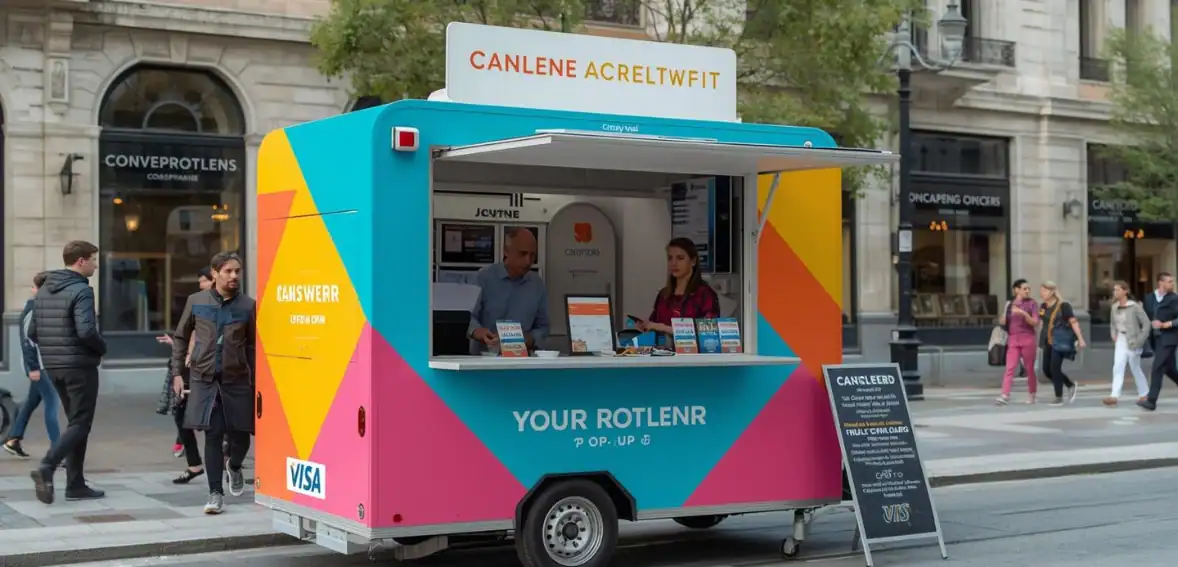
Pop-up shops and farmers’ markets have become one of the easiest ways for small businesses to start selling products without opening a permanent store. These temporary selling spaces allow entrepreneurs to test ideas, meet customers directly, and grow their brand with lower financial risk. However, one important factor often determines whether vendors maximize their sales or lose opportunities: how they accept payments.
Today, most customers do not carry much cash. Many prefer to pay using credit cards, debit cards, or contactless payment options. When a vendor cannot accept these payments, the customer often leaves—even if they wanted to buy something.
This is why choosing the right mobile card reader pop-up shop solution is essential. A reliable portable credit card terminal allows vendors to accept payments anywhere, improve customer experience, and increase revenue potential.
Modern small business mobile payment technology has made it possible for even the smallest vendors to operate like professional retail businesses. With the right mobile payment setup, vendors can process transactions quickly, track sales data, and create a smooth checkout process that builds customer confidence.
Payment technology is no longer just a convenience. It is now a basic business requirement. Vendors who invest in the right system position themselves for better efficiency, better customer satisfaction, and stronger long-term growth.
This guide explains how to choose the right mobile card reader in clear, simple language so any vendor can make a confident decision.
Table of Contents
Why Mobile Card Readers Are Important for Pop-Up Shops and Farmers’ Markets
Pop-up vendors operate in fast and flexible environments. Unlike traditional retail stores, these businesses often work in temporary locations such as tents, booths, and outdoor markets. Because of this, their payment systems must also be flexible and portable.
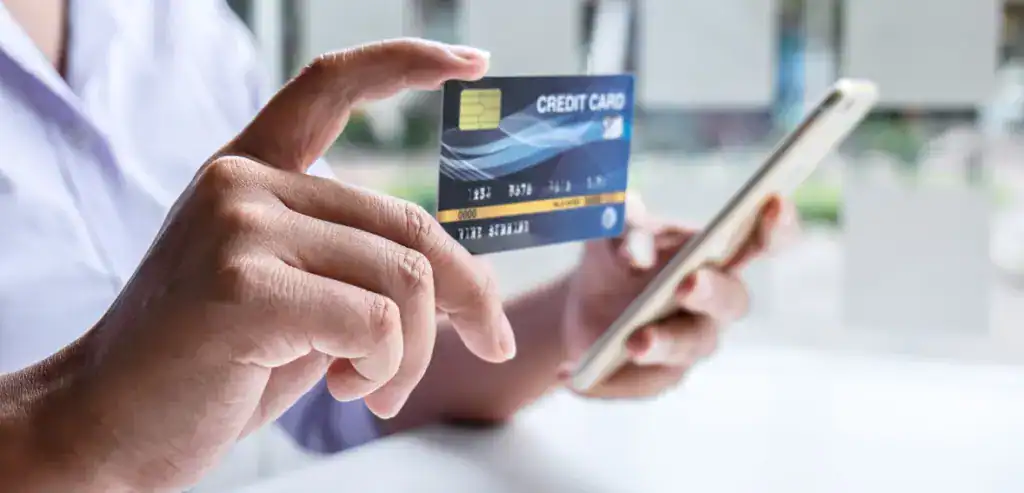
A modern wireless card reader for vendors allows businesses to accept payments using only a smartphone or tablet. This allows vendors to create a checkout experience that feels just as professional as a permanent retail store.
Customer expectations have also changed. Most buyers now expect fast and easy payment options. If payment feels complicated or limited, customers may decide not to complete their purchase.
Mobile card readers help solve this problem by offering convenience and reliability. They also reduce the risks that come with handling large amounts of cash.
Some of the biggest advantages vendors experience include:
Key Benefits Vendors Gain
- Ability to accept payments anywhere
- Faster checkout process
- Reduced cash handling risks
- Automatic sales tracking
- Professional business image
- Increased customer trust
These advantages explain why farmers’ market payment processing systems have become standard tools for serious vendors.
Businesses that adapt to customer payment preferences often see stronger sales performance compared to those that rely only on cash.
How Mobile Card Readers Work
Mobile card readers are designed to be simple. Even vendors with no technical background can learn to use them quickly.
A reader connects to your mobile device through Bluetooth or a direct connection. After installing the payment app, you simply enter the purchase amount and allow the customer to pay using their card or mobile wallet.
The basic process usually follows these steps:
Simple Payment Process
- Enter the sale amount
- Customer taps, inserts, or swipes the card
- Payment processes securely
- Receipt sent by email or text
Most modern readers support multiple payment methods, including.
Payment Types Most Devices Accept:
- EMV chip cards
- Magnetic stripe cards
- Contactless cards
- Mobile wallets
- Tap-to-pay payments
A strong contactless payment reader also processes transactions quickly, which is important in busy markets where long lines can reduce sales.
Many systems also include dashboards that help vendors track revenue, review transaction history, and manage refunds. These tools help small businesses operate more efficiently.
Features Vendors Should Look for Before Choosing a Device
Not every mobile reader offers the same performance. Choosing the right features can make daily operations much easier.
One of the most important features is payment acceptance flexibility. Your device should accept all major payment types to prevent lost sales.
Reliability is another key factor. Markets sometimes have weak signals, so your system should offer strong connectivity support.
Battery life is equally important. Vendors often sell for long hours, and equipment failure during peak selling time can cause lost revenue.
Ease of use should also be a priority. A complicated system slows checkout and frustrates both vendors and customers.
Important features vendors should prioritize include the following:
Must-Have Device Features
- Acceptance of all major card types
- Contactless payment support
- Long battery life
- Fast transaction speed
- Clear mobile app interface
- Transparent processing costs
- Strong security protection
A dependable portable POS system for markets should simplify your work rather than create complications.
Types of Mobile Card Readers Available
Understanding device categories helps vendors choose wisely. Each type serves a different level of business need.
Basic readers are usually small and affordable. These devices connect directly to phones and work well for new vendors testing their business.
Mid-level portable terminals include more advanced features such as built-in displays and receipt capabilities. These devices work well for vendors selling regularly.
Full mobile POS systems provide complete business management tools. These may include inventory tracking, analytics, and customer management features.
Each category serves a different business stage:
Device Types By Business Stage
- Basic readers for new vendors
- Portable terminals for growing sellers
- Full POS systems for established vendors
Choosing the correct level helps avoid overpaying or under-investing.
Your payment system should match your current needs while allowing room for growth.
Understanding Payment Processing Costs
Understanding costs helps vendors protect profits. Many vendors focus only on hardware cost but overlook transaction expenses.
Processing fees usually represent the largest ongoing expense. Most providers charge a percentage of each sale plus a small fixed fee.
Some providers also charge monthly platform fees for software access or reporting tools.
Hidden costs may also exist. Vendors should always review agreements carefully before committing.
Costs vendors should review include the following:
Common Payment System Costs
- Transaction percentage fees
- Per-transaction flat fees
- Monthly platform charges
- PCI compliance fees
- Chargeback fees
- Equipment replacement costs
Clear pricing helps vendors make informed decisions. A trustworthy provider should always explain pricing clearly.
Understanding total costs—not just hardware price—helps ensure better long-term profitability.
Security Features Vendors Should Never Ignore
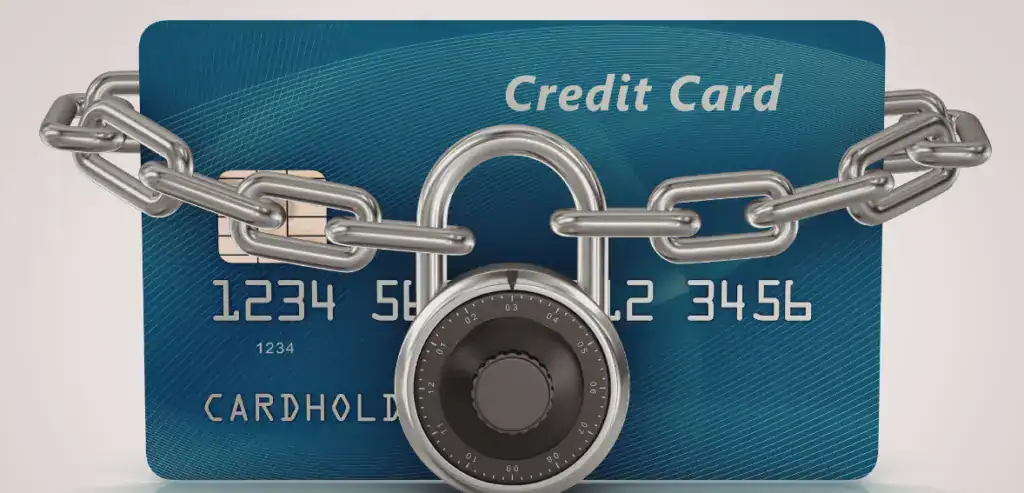
Payment security protects both businesses and customers. A secure payment system helps prevent fraud and protects customer data.
EMV chip technology is one of the most important security protections. Chip cards create unique transaction codes that reduce fraud risk.
Encryption protects card data while transactions are processed. Tokenization replaces card information with secure identifiers to prevent exposure.
PCI compliance ensures payment systems meet industry security standards.
Important security protections include:
Security Protection Vendors Should Require
- EMV chip technology
- End-to-end encryption
- Tokenization protection
- PCI compliance support
- Fraud detection tools
Customers trust businesses that take payment security seriously.
Connectivity Challenges Vendors Should Prepare For
Outdoor vendors sometimes experience connection problems. Weak internet signals can interrupt transactions and create frustration.
Some payment systems include offline processing capabilities. This allows vendors to accept payments even without a connection.
Transactions are stored securely and processed later when connectivity returns.
However, vendors should understand offline risks. Payments are not guaranteed until processed. If a transaction fails later, the vendor may not receive funds.
Vendors can reduce risks by preparing properly.
Ways to Reduce Connectivity Problems
- Bring a mobile hotspot
- Use devices with multiple connection options
- Test signal strength before selling
- Bring backup equipment
Preparation often determines whether vendors experience smooth payment operations.
Mistakes Vendors Should Avoid When Choosing a Payment System
Many vendors make decisions too quickly when choosing payment technology. Avoiding common mistakes can prevent long-term frustration.
Choosing the cheapest option without reviewing fees often leads to higher long-term costs.
Ignoring transaction fees can reduce profit margins significantly over time.
Failing to test equipment before live selling can create avoidable disruptions.
Common mistakes vendors should avoid include:
Common Vendor Mistakes
- Choosing based only on device price
- Ignoring fee structures
- Not testing equipment
- Accepting long contracts without review
- Ignoring checkout experience
Taking time to evaluate options leads to better decisions.
How Mobile Payments Help Vendors Increase Sales

Accepting cards does more than improve convenience. It directly increases revenue potential.
Customers tend to spend more when paying with cards because they are not limited by physical cash.
Easy payment also encourages impulse purchases. Customers are more likely to add items when checkout is simple.
Card acceptance also reduces lost opportunities. Customers without cash can still complete purchases.
Mobile payment acceptance also improves business credibility. Professional checkout systems build customer confidence.
These benefits explain why mobile payments are becoming essential rather than optional.
Best Practices for Smooth Market Payment Operations
Reliable payment operations require preparation. Vendors who prepare properly experience fewer disruptions.
Charging devices fully before events prevents unexpected downtime. Bringing backup charging equipment provides additional protection.
Testing software before events ensures systems function correctly.
Displaying accepted payment types clearly encourages customers to use cards.
Preparation steps vendors should always follow include the following:
Market Day Preparation Checklist
- Fully charge devices
- Update payment apps
- Test readers before use
- Bring charging backups
- Carry backup readers
- Display accepted payment signs
Preparation helps vendors focus on selling rather than troubleshooting.
Questions Vendors Should Ask Before Selecting a Provider
Choosing the right provider requires careful evaluation. Vendors should always ask questions before committing.
Questions should focus on costs, reliability, and support availability.
Important questions include:
Questions Vendors Should Ask Providers:
- What are the total processing fees?
- Are there monthly costs?
- Are contracts required?
- How fast are deposits made?
- What support options exist?
- What warranty is included?
Good providers answer clearly and transparently.
Future Trends in Mobile Payments for Small Vendors
Payment technology continues evolving. Vendors who understand trends can make smarter investments.
Contactless payments continue growing rapidly. Customers increasingly expect tap payments as a standard option.
Mobile wallets are also becoming more popular. Accepting these payments helps businesses stay competitive.
Faster funding is another important trend. Many providers now offer next-day or same-day deposits.
Integrated platforms combining payments with inventory and analytics are also becoming common.
Technology continues moving toward complete business management systems rather than simple payment tools.
Conclusion
Choosing the right mobile card reader pop-up shop solution is one of the most important decisions a mobile vendor can make. A reliable portable credit card terminal improves efficiency, increases sales opportunities, and creates a professional checkout experience that customers expect today. Vendors should focus on reliability, transparent pricing, security, and ease of use when selecting a payment solution.
As mobile retail continues growing, investing in the right farmers market payment processing system helps vendors operate more professionally and grow with confidence. The right technology does more than process payments. It supports better decisions, smoother operations, and long-term business success.
FAQs
What is a mobile card reader?
A mobile card reader is a portable device that connects to a phone or tablet to accept card payments anywhere.
Do pop-up shops need card readers?
Yes. Most customers prefer paying by card, and accepting cards helps vendors increase sales opportunities.
How much do mobile card readers cost?
Costs vary, but many providers offer low-cost devices with transaction processing fees around 2–3%.
Are mobile card readers secure?
Yes. Most modern readers include encryption, EMV protection, and PCI-compliant security features.
Can farmers’ market vendors accept tap payments?
Yes. Most modern devices support contactless cards and mobile wallet payments.